
5 Golf Simulator Add-Ons Most People Forget to Buy
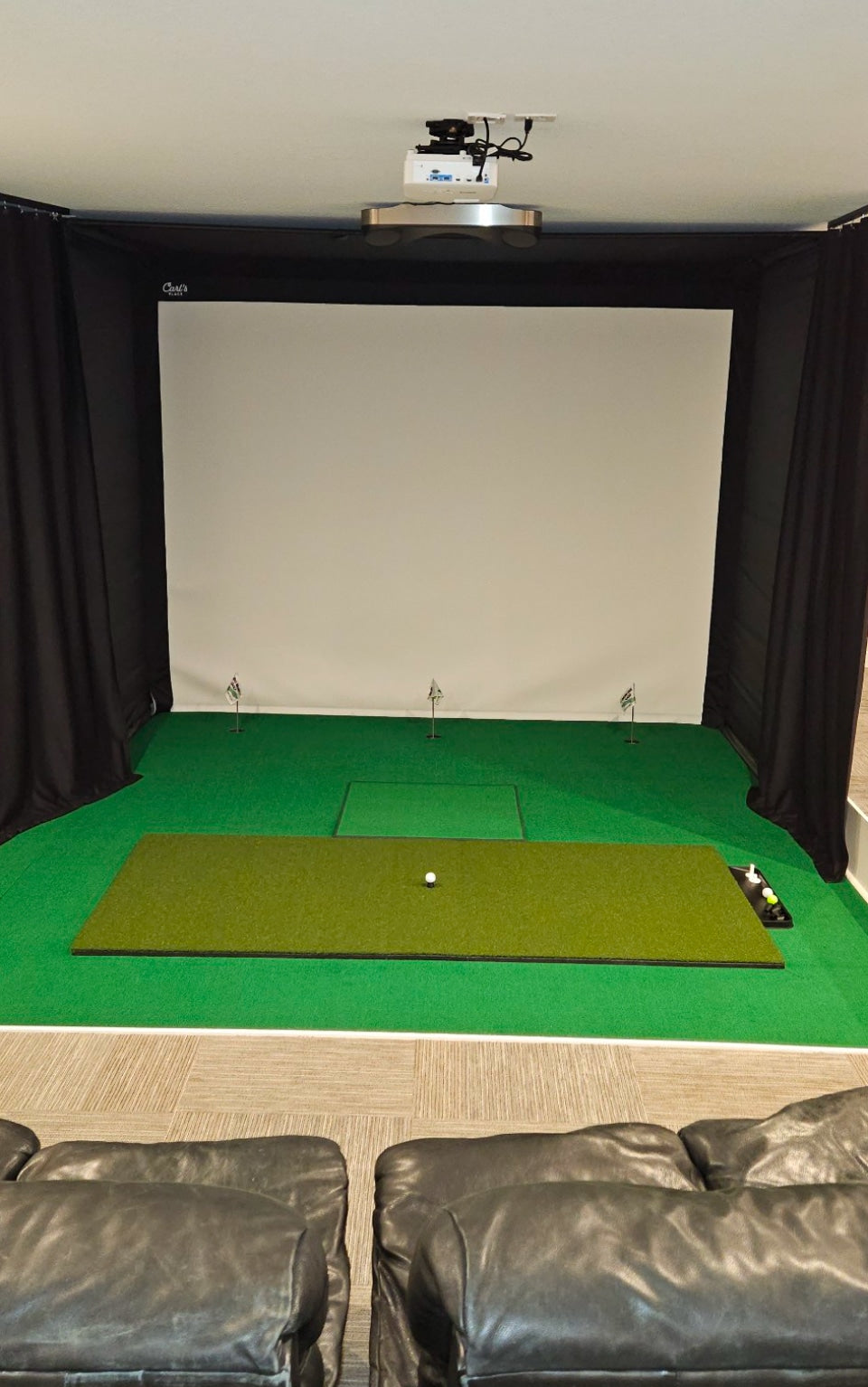
Most golf simulator budgets go entirely toward the launch monitor, the screen, and the hitting mat. That leaves the smaller pieces, the ones that actually determine whether your bay feels finished or feels like a work in progress, as an afterthought. Below are the five add-ons golfers most often forget to buy the first time around, plus two of them you can add to your setup right now.
In this article
- 1. A replaceable hitting strip
- 2. A putting and return ramp
- 3. Impact screen protection
- 4. Sound and vibration dampening under your mat
- 5. Proper bay lighting
- FAQ
1. A replaceable hitting strip
Every hitting mat wears out at the exact same spot: dead center, right where your club makes contact. Once that strip compresses, ball flight data gets inconsistent and full swings start to feel harsh on the wrists and elbows. Most first-time simulator owners don't realize the strip is meant to be replaced on its own until the whole mat already needs replacing.
The Big Moss Pure Flight Premium Hitting Strip uses the turf fiber itself, not a foam base, to create real impact compression. That means a true descending strike, honest ball flight feedback on your launch monitor, and a shock-absorbent foundation that's easier on your joints during long practice sessions.

100% nylon turf, made in the USA. No tee holes needed, built for full swing use.
2. A putting and return ramp
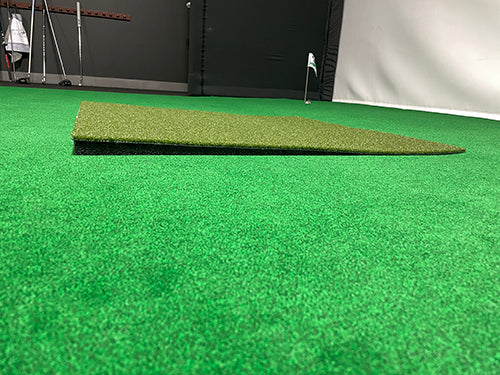
If your hitting mat sits higher than your bay floor, every putt you hit rolls off at an angle your launch monitor can't read correctly. Most builders solve this with stacked foam tiles or a plywood deck, which is loud, uneven, and never looks finished.
A putting and return ramp bridges that height gap in one piece, surfaced in the same True Launch turf as your hitting mat so the transition looks uniform instead of pieced together. It also doubles as a return ramp, roll the ball back to your hitting area with your club instead of walking to fetch it after every putt.

Available in 3' x 3' or 18" x 36". Matches your True Launch hitting mat turf.
3. Impact screen protection
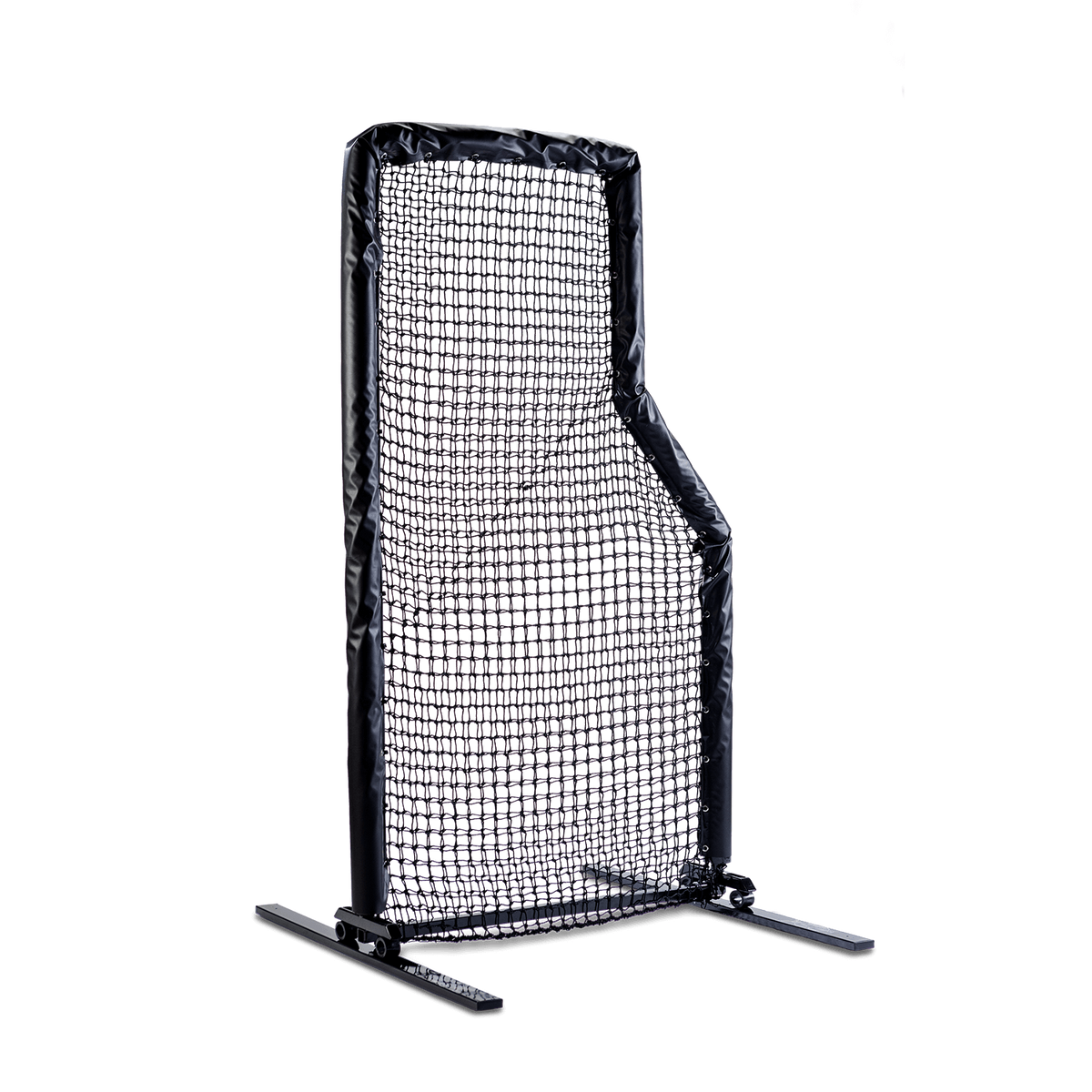
A direct hit near the frame or a mis-struck shank can put a hole in an impact screen faster than most owners expect, especially in a garage bay where clearance is tight. A simple protective barrier net or side panel around the frame edges absorbs stray shots before they reach the screen fabric itself. If you're not ready to add side netting yet, at minimum keep 2 to 3 feet of clearance on either side of your hitting zone and check your screen for pinholes every few months by holding a light behind it.
4. Sound and vibration dampening under your mat
If your simulator sits above a living space, garage impact noise travels further than most people expect, and it's usually the vibration through the floor, not the swing sound itself, that generates complaints. A rubber underlayment or interlocking foam base under your hitting mat and ramp absorbs that shock before it transfers into the floor joists. It's inexpensive, it's rarely part of a starter build, and it's the difference between practicing at 9pm without an argument and not.
5. Proper bay lighting
Launch monitors that use camera or infrared tracking need consistent, even light to read the ball accurately, and dim garage lighting is one of the most common causes of inconsistent data. Overhead lighting alone often throws a shadow right across your hitting area. Adding a second light source angled from the side, or an LED strip mounted along the ceiling in front of the hitting zone, removes that shadow and gives your camera-based tracking a cleaner read on every shot.
Frequently asked questions
Do I need a hitting strip if I already have a full hitting mat?
Yes, if your mat wears down in a single center spot rather than as one piece. A replaceable strip lets you swap out just the impact zone instead of buying an entirely new mat.
What's the difference between a putting ramp and just using foam tiles?
Foam tiles raise the floor height but usually shift, gap, and don't give a true putting roll. A one-piece ramp keeps a consistent surface and slope so your launch monitor reads the roll correctly.
How much clearance do I need around my impact screen?
Most golfers are comfortable with 2 to 3 feet of clearance on either side of the hitting zone, more if multiple players of different handedness share the bay.
Does simulator noise really travel through the floor?
Yes. Vibration from ball impact and footfall on a hard mat surface transfers through the subfloor more than the sound of the swing itself, which is why an underlayment matters even in a detached garage.
What add-on should I buy first if I can only get one?
Start with the hitting strip. It's the part of your setup that wears out fastest and has the most direct effect on your launch monitor's accuracy.
Finish your simulator bay the right way
Shop the hitting strips, ramps, and mats that round out a golf simulator setup.
Shop all simulator gear →